
How to Fix YO WhatsApp Ban Issue: Proven Solutions 2026
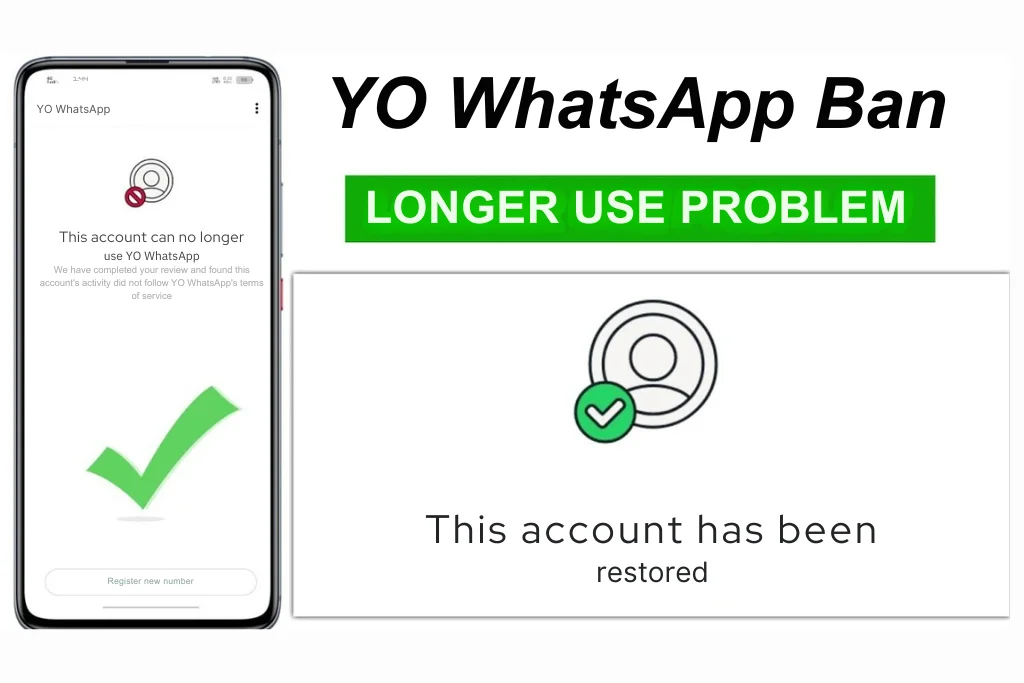
Many users get frustrated when their YO WhatsApp account faces a sudden ban. This stops chats, business talks, and daily updates. You are not alone. In 2026 WhatsApp cracks down hard on modded apps like YO WhatsApp because they break official rules. This detailed guide shows exact steps to fix the ban, understand why it happens, and stop it from coming back. Follow these proven methods to restore your account fast and stay safe.
For more fix tips see:
Understanding YO WhatsApp and Its Ban Issue
What is YO WhatsApp?
YO WhatsApp is a modded version of the official WhatsApp. It adds cool features like custom themes, hide online status, bigger file sharing, and extra privacy controls. Third-party developers build it, not Meta. This makes it fun but risky – WhatsApp detects mods easily and bans users who use them.
Why YO WhatsApp Users Get Banned
Bans happen because YO WhatsApp violates WhatsApp’s terms of service. Common reasons include:
- Using any modded app (WhatsApp scans for unofficial versions like YO WhatsApp).
- Sending bulk messages or spam (too many texts in a short time).
- Getting reported by users for unwanted adds to groups or annoying content.
- Switching accounts often or using automation tools.
- Downloading from unsafe sites that add malware.
In 2026 WhatsApp uses AI to detect mods faster, so even light use can trigger a ban. Temporary bans last hours to days. Permanent ones lock your number forever.
Signs That Your YO WhatsApp Account is Banned
Check these clear warnings:
- You cannot send or receive messages (stuck on “Message not sent”).
- Pop-up says “Account temporarily banned” or “This account cannot use WhatsApp.”
- Login fails with errors like “Number banned” or verification fails.
- Friends see your profile as blank or cannot reach you.
- App crashes often or features like themes stop working.
- Backups fail to restore, and custom options vanish.
If you see any of these, act fast before it turns permanent.
Ways to Fix YO WhatsApp Ban – Step by Step
Method 1: Wait for the Temporary Ban to Expire
Most bans start as temporary (24 hours to 7 days). Do not fight it – wait it out.
- Close YO WhatsApp completely.
- Do not try to log in again – this makes the ban worse.
- Use the official WhatsApp app meanwhile (download from Play Store).
- After 24-48 hours, try opening YO WhatsApp. If it works, great.
- Tip: Set a timer and relax. Repeated logins alert WhatsApp’s system.
Method 2: Switch to Official WhatsApp (Safest Fix)
This is the best way to unban and avoid future issues. Official app never causes mod bans.
- Uninstall YO WhatsApp fully (go to Settings > Apps > YO WhatsApp > Uninstall).
- Download official WhatsApp from Google Play Store or App Store.
- Open it and verify your phone number (use the banned one).
- Tap “Restore” when it asks – pull chats from your Google Drive or iCloud backup.
- If banned message shows, tap “Request a Review” inside the app.
- Write a short note: “I switched to official WhatsApp and deleted all mods. Please review my ban.”
- Wait 1-3 days for WhatsApp support to reply (they unban 70% of honest appeals).
- Tell friends you switched so chats continue smoothly.
Method 3: Backup and Reinstall YO WhatsApp Safely
If you must use YO WhatsApp, reinstall a fresh version after ban ends.
- If ban is temporary, wait it out first.
- Backup chats: In YO WhatsApp > Settings > Chats > Chat Backup > Back Up (to Google Drive).
- Uninstall YO WhatsApp completely.
- Clear phone cache: Settings > Apps > WhatsApp folder > Clear Cache/Data.
- Download latest YO WhatsApp APK only from yowhts.com (avoid shady sites).
- Install it (enable “Unknown Sources” in phone settings).
- Open and verify number – it should work if ban expired.
- Restore backup: During setup, tap Restore from Google Drive.
- Enable anti-ban features: In Plus Settings > Anti-Ban > Turn ON (hides mod detection).
- Test with one chat before full use.
Method 4: Appeal a Permanent Ban (Updated Process)
For permanent bans, appeal directly to WhatsApp. Success rate is 50% if you admit mistakes.
- Open official WhatsApp with your number.
- When ban screen shows, tap “Request a Review.”
- Fill the form: Explain you used a mod by mistake, deleted it, and promise to follow rules.
- Use this template: “Dear WhatsApp Team, My account [+your number] was banned. I used an unofficial app unknowingly and have now switched to official WhatsApp. I deleted all mods and will not violate terms again. Please unban me. Thank you.”
- Submit and wait 24-72 hours. Check email for reply.
- If no response, email support@whatsapp.com with same details.
- Last resort: Use a new number, but transfer chats first via tools like Dr.Fone.
Tips to Avoid Getting Banned in the Future
Follow these 2026 rules to stay safe:
- Use official WhatsApp for important chats (keep YO WhatsApp for fun only).
- Never send bulk messages – limit to 5-10 per day per contact.
- Do not add people to groups without asking – get permission first.
- Update YO WhatsApp weekly from yowhts.com (old versions get detected fast).
- Turn on anti-ban in YO WhatsApp settings and avoid automation like mass replies.
- Backup chats every week to Google Drive.
- Scan APKs with antivirus before install.
- If you get warnings, stop using mods immediately.
- For business, use WhatsApp Business API – it’s official and ban-proof.
Conclusion
Fixing a YO WhatsApp ban is straightforward if you stay calm and follow these steps. Wait for temporary bans, switch to official WhatsApp for safety, or reinstall carefully from yowhts.com. Remember, mods like YO WhatsApp add features but always carry ban risks – use them wisely. Now you can get back to chatting without worry.
Share your ban story in comments – did these steps work for you? For more help, contact support. Bookmark yowhts.com for latest YO WhatsApp updates and safe downloads.