
How to Add & Create Stickers in YO WhatsApp 2026 – YOWA
Many users wonder how people send those funny and expressive stickers in YO WhatsApp that make every chat more personal. You are not alone. YO WhatsApp APK stickers add color, fun, and real emotion to conversations. Adding them is very easy once you know the steps.
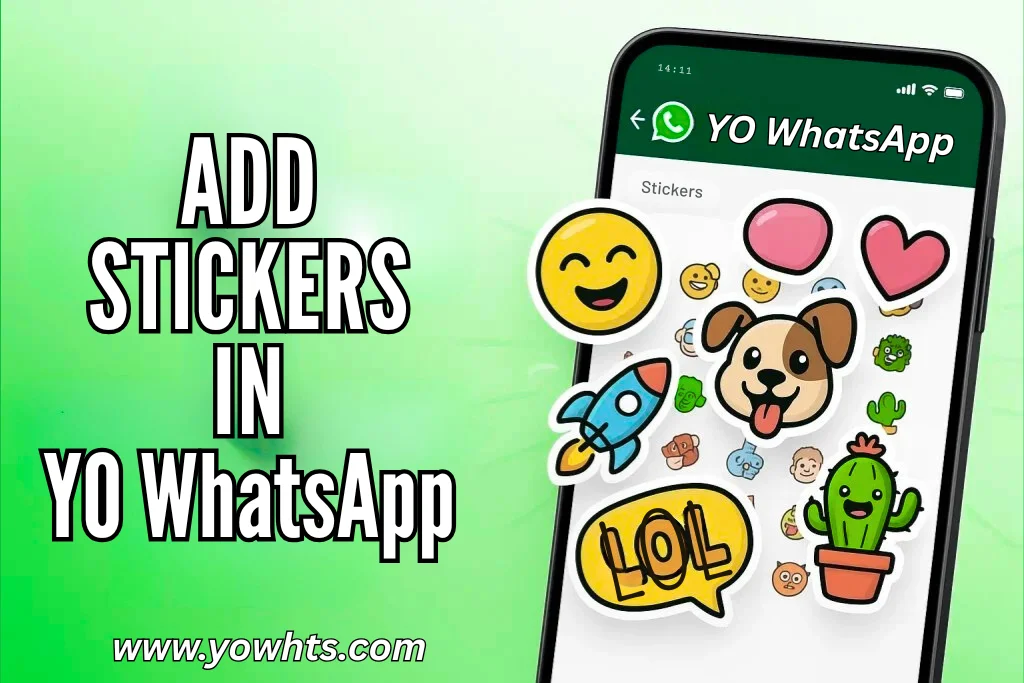
This simple guide shows every method. You learn built-in options and how to add custom packs. Follow the clear steps and personalize your chats fast and safely.
More features:
How Stickers Make Chats More Fun in YO WhatsApp
Stickers make every chat feel alive. You show emotions instantly without typing long texts. YO WhatsApp offers default packs and custom packs. Default packs are ready to use. Custom packs let you add your own memes or photos. This flexibility makes chatting feel real and personal.
If you want a stylish look, check: Top 10 YO WhatsApp Themes to Transform Chats
How to Add Stickers in YO WhatsApp
Method 1: Built-in Sticker Store
- Open YO WhatsApp and enter any chat.
- Tap the emoji icon and switch to the sticker tab.
- Browse available packs.
- Tap the + or download button next to any pack.
- The pack appears instantly and is ready to send.
Method 2: Add Custom Stickers from Third-Party Apps
- Install a trusted sticker maker app from Play Store.
- Open the app and create a new pack. Give it a name.
- Add at least 3 images from your gallery.
- Crop and remove background if you want.
- Tap Add to WhatsApp or Export to YO WhatsApp.
- Open YO WhatsApp. Go to stickers. Your new pack appears.
How to Create Your Own Stickers for YO WhatsApp
- Download Sticker Maker or any reliable sticker app.
- Create a new pack and name it.
- Choose photos from your gallery.
- Edit each photo (crop, erase background).
- Save at least 3 stickers per pack.
- Tap Add to WhatsApp.
- Open YO WhatsApp and use your custom stickers right away.
Best YO WhatsApp Sticker Packs to Try
- Funny Reactions Pack – perfect for quick laughs
- Romantic Vibes Pack – sweet hearts and couple poses
- Anime Emotions Pack – dramatic anime faces
- Cute Animals Pack – puppies and kittens
- Meme Lovers Pack – latest viral memes
- Festival & Celebration Pack – birthday and holiday stickers
- Sarcastic Text Pack – witty replies ready to send
- Minimal Mood Pack – clean and simple designs
Final Thoughts
Adding stickers in YO WhatsApp is fast and makes every chat more fun and personal. You now know how to use built-in packs, import custom packs, and even create your own. Start using stickers today and make your conversations lively.
For more tutorials and updates, bookmark yowhts.com. Download YO WhatsApp only from yowhts.com to stay safe.
If you worry about safety, read: